 Team-Trak
What is Workforce Management Software? A Practical Guide for Service Owners
 By Bob Fitzjohn8 min read
Wondering what is workforce management software? This guide shows service owners how to end timesheet chaos, get proof of service, and save hours of admin work.
In this article
- The Short Answer
- What Is Workforce Management Software?
- The Parts That Matter for a Service Business
- Workforce Management vs Time Tracking vs Field Service Software
- How to Tell If You Need It
- A Four-Week Rollout
- What to Measure After the First Month
- What a Platform Shouldn't Do
- Common Mistakes
- Where Team-Trak Fits
- Frequently Asked Questions
- Plan, Record, Pay
Search for workforce management software and many of the results are built for call centres and retail chains: tools that forecast how many people a shop needs on a Saturday, or handle shift swaps across hundreds of staff.
That's workforce management at scale. For a service business with people at client sites, the questions are simpler and come up every day. Who's going where? Did they get there? How long did they stay? What do we pay them, and what do we bill?
This guide explains what workforce management software is, which parts matter for a service business, how it differs from time tracking and field service software, and how to tell whether you need it yet.
If you'd rather see verified visits than read about them, you can try Team-Trak free for 7 days. No card needed.
The Short Answer
- Workforce management software helps you plan, record and pay for your team's work: scheduling, attendance, timesheets and payroll records.
- Enterprise versions add forecasting and labour planning. Most small service businesses don't need them.
- For teams at client sites, the useful version ties each person's time to a client and a location, with a check that they were there.
- It overlaps with time tracking and field service software. The right choice depends on what's taking up your week.
Table of Contents
- What Is Workforce Management Software?
- The Parts That Matter for a Service Business
- Workforce Management vs Time Tracking vs Field Service Software
- How to Tell If You Need It
- A Four-Week Rollout
- What to Measure After the First Month
- What a Platform Shouldn't Do
- Common Mistakes
- Where Team-Trak Fits
- Frequently Asked Questions
What Is Workforce Management Software?
Workforce management software is software for planning, recording and paying for the work your staff do. In its broadest form, used by large employers, it covers forecasting demand, building rotas, recording attendance and leave, managing labour budgets and checking working-time rules.
For a service business, the same idea shrinks to the daily questions above. The difference from office-based tools is location. When the work happens at a client's property, an hour only means something if you know which client, which site, and whether the person was actually there.
The Parts That Matter for a Service Business
| Part | What it does | Why it matters for site-based teams |
|---|---|---|
| Scheduling | Assigns people to clients, sites and times, including recurring work | Staff know where they're going, and changes reach them without a phone call |
| Attendance | Records arrival and departure at each site | "Did anyone come?" is answered from a record, not from memory |
| Exceptions | Flags late, missed or out-of-place check-ins | You look at the few visits that need attention, not all of them |
| Timesheets | Builds hours from the attendance records | No collecting, reading or adding up sheets |
| Payroll records | Applies pay rates and rounding to approved hours | Payroll takes minutes, and staff can trust the figures |
| Client billing | Turns the same hours into invoices | Pay and billing come from one record, so they agree |
What you probably don't need: demand forecasting, labour budgets across departments, or shift bidding. Those earn their keep with hundreds of staff on rotating shifts, not a small team covering a few dozen client sites.
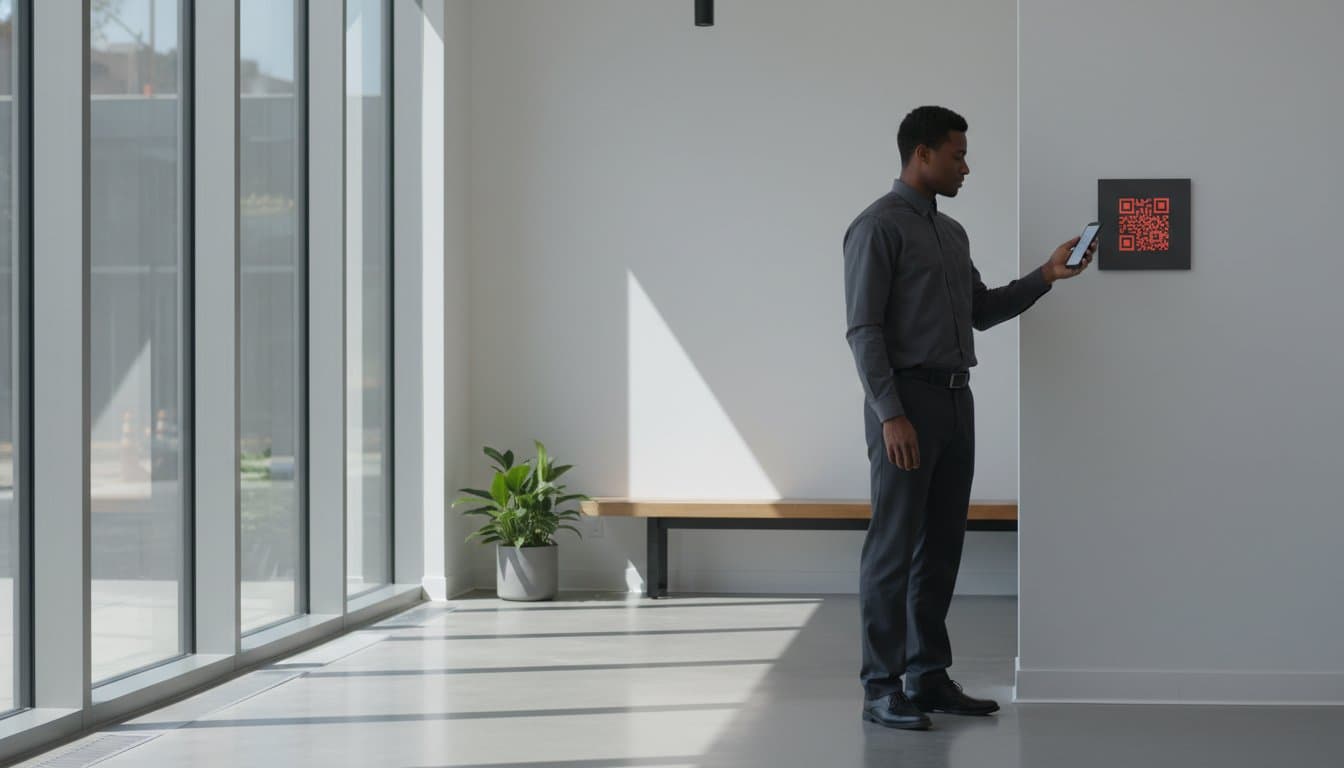
For attendance, a GPS check at check-in and check-out is usually enough. It confirms the visit at the site without tracking anyone between jobs.
Workforce Management vs Time Tracking vs Field Service Software
- Time tracking software records hours. It suits desk teams and simple payroll, but usually doesn't know where the work happened or which client it belongs to.
- Workforce management software plans and records the team's work: schedules, attendance, timesheets and pay. Our workforce management selection checklist covers what to look for.
- Field service management software centres on the job: work orders, dispatch, job notes and invoices. See what field service management software is for the detail.
In practice the lines blur. For a cleaning company or a trades business, the useful tool is the one that covers schedule, visit, timesheet and invoice, whatever it calls itself.
How to Tell If You Need It
- Collecting and adding up timesheets takes more than an hour a week.
- Clients ask whether anyone came, and you have to ring round to find out.
- Schedules live in a group chat and change by phone.
- Pay and invoices are worked out separately and don't always agree.
- The admin has grown faster than the team.
If none of these sound familiar, a shared calendar and a simple spreadsheet may still be enough.
A Four-Week Rollout
| Week | Focus | What to do | Done when |
|---|---|---|---|
| 1 | Sites and schedules | Add clients and locations with accurate pins and a sensible radius. Schedule regular work. Do a practice check-in yourself. | Every pin is where staff actually check in |
| 2 | Attendance only | Staff check in and out on every visit. Keep paper this week only, as a backup. | Almost every visit has a check-in and a check-out |
| 3 | Review by exception | Let normal visits approve themselves and look only at the flagged ones. Fix the pins and schedules causing false flags. | The weekly review takes minutes, not hours |
| 4 | Timesheets and invoices | Run payroll and one client invoice from the records. Compare them with what you'd have done by hand. | The figures match, and the paper is retired |
Week two matters most. A GPS check at check-in and check-out takes a few seconds, but it's a new habit. Tell staff why: location is checked only at those two moments, and the record protects them when a client asks whether anyone came.
What to Measure After the First Month
- Check-in rate: the share of scheduled visits with both a check-in and a check-out. If this is low, fix it before anything else.
- Flagged visits, and why: lots of out-of-range flags at one site usually means the pin or radius needs adjusting, not that staff are elsewhere.
- Review time: how long the weekly approval takes, compared with your old routine.
- Time to invoice: days between the end of a billing period and the invoice going out.
- Client queries: how often clients ask whether a visit happened, and how quickly you can answer.
What a Platform Shouldn't Do
- Track people all day. A check at arrival and departure answers the question without the resentment.
- Make staff do more. If checking in takes longer than writing on a sheet, they'll stop.
- Force modules you'll never use. Inventory and fleet tools are cost and clutter for most small teams.
- Make you check everything. It should show you the exceptions, not every record.
If you're still running several separate tools, our guide to all-in-one field service software covers when to bring them together.
Common Mistakes
- Buying enterprise software for a small team. You pay for forecasting you'll never use and spend weeks setting it up.
- Choosing something staff find slow. If checking in takes longer than writing on a sheet, they'll stop doing it.
- Tracking more than you need. All-day location tracking is rarely necessary when a check at arrival and departure answers the question.
- Reviewing every record by hand. Look at the exceptions; most visits go exactly as planned.
- Keeping paper running alongside. Running both for months doubles the work.
Where Team-Trak Fits
Team-Trak is workforce management for teams at client sites, covering the six parts in the table. You schedule who goes where, including recurring work, and staff are notified of changes in the app and by email. Staff check in and out with one GPS reading each time, and late and missed check-ins trigger alerts.
Visits within the site's range and schedule approve themselves; the rest wait for review. Approved visits become timesheets and payroll records, and on Professional, client invoices. Plans start at $19 a month, and you only pay for staff who checked in that month.
Frequently Asked Questions
What is workforce management software, in simple terms?
It's software that helps you plan who works where and when, record the work they actually did, and turn it into pay and, for service businesses, client invoices.
Is it the same as HR software?
No. HR software handles contracts, leave and employee records. Workforce management software handles the day-to-day work itself: schedules, attendance and hours. Some products cover parts of both.
Is it worth it for a team of five?
It can be, if those five work across several client sites and timesheets or client questions take up your week. Team-Trak charges only for staff who checked in that month, which keeps the cost in line with the work.
Does it mean tracking staff all day?
It doesn't have to. Team-Trak checks location only at check-in and check-out, and doesn't follow anyone between visits.
Plan, Record, Pay
Workforce management software, for a service business, comes down to three things: plan who goes where, record that they got there, and pay and bill from that record. Skip the enterprise extras, choose something your staff will actually use, and review the exceptions rather than everything.
Start your 7-day free trial. No credit card needed, and your first practice check-in takes under a minute.
Disclaimer
The information provided in this article is for general informational purposes only and reflects the opinions and experiences of the author. While every effort has been made to ensure accuracy, Team-Trak makes no guarantees regarding completeness or accuracy. For legal, payroll or compliance questions, please consult a qualified adviser.
Written by
Bob Fitzjohn
Founder of Team-Trak and a British entrepreneur with nearly fifty years' experience building and managing businesses with large, flexible teams. Bob writes about scheduling, timesheets, verified attendance and the day-to-day realities of running a service business.


