 Team-Trak
Plumbing Contractor Management Software: A Practical Buying Guide
 By Bob Fitzjohn8 min read
Compare plumbing contractor management software by workflow, setup and usability. Learn how to link scheduled visits, timesheets and accurate invoices.
In this article
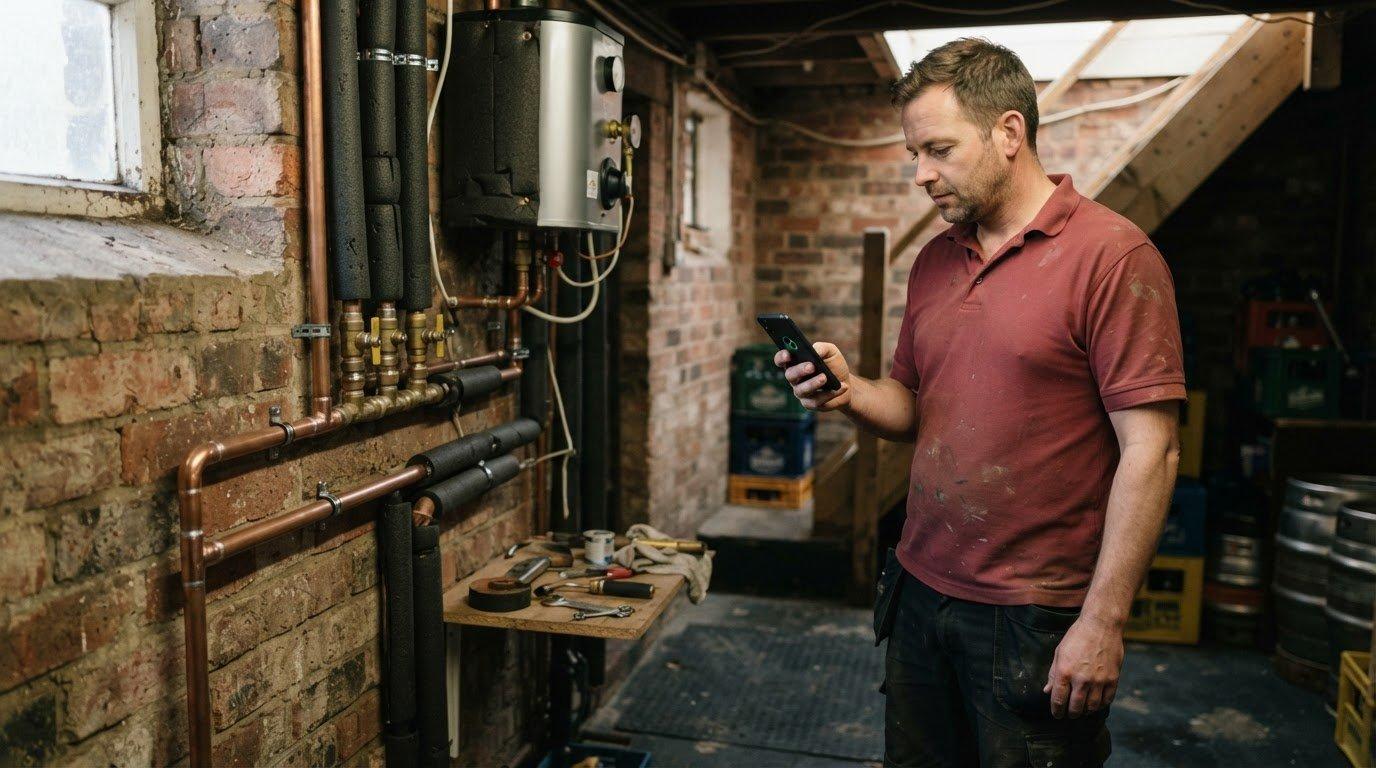
A client questions a call-out, your engineer remembers the visit, but the schedule, attendance record and timesheet don’t line up. Now you’re piecing together the details before you can invoice. Plumbing contractor management software should connect those records, not give your team another system to keep updated.
You’re right to be cautious: an all-in-one platform can bring more complexity than a small or mid-sized plumbing team needs. This guide compares the workflows that matter, from scheduling and verifying visits to reviewing timesheets and preparing accurate invoices. You’ll see what each type of tool handles well, where the gaps remain, and how to choose a practical fit for your field team.
Key Takeaways
- Choose plumbing contractor management software around your team’s real job workflow, not a long list of features.
- Compare paper, spreadsheets, accounting tools, broad field-service suites and attendance-focused software by setup effort and staff usability as well as core functions.
- Look for a clear process from scheduled visit to check-in, exception review and approved timesheet.
- Check which billing links and accounting exports are included in each plan before deciding what will fit your invoicing process.
Table of Contents
What plumbing contractor management software needs to manage
A call-out is finished, but the client questions when the engineer arrived. The schedule shows the booking, a message says the job is done, and a handwritten note has to supply the hours. If those records don’t line up, even a straightforward invoice can turn into a round of calls and checking.
Plumbing contractor management software can mean a broad field-service suite or a more focused tool. At its core, it organises field jobs and the records needed to manage their completion. Some platforms cover mobile dispatch, scheduling, work orders, timesheets and back-office billing links. But a plumbing business may not need every part of that stack.
Where the admin breaks down between a call-out and an invoice
Quotes and dispatch help get work booked and assigned. They don’t, by themselves, confirm that a visit happened or provide agreed hours for a timesheet. When schedules sit in one place and attendance details in paper notes or messages, someone has to rebuild the job record later. That’s where arrival times get disputed and invoice preparation slows down.
A verified visit is a staff-initiated check-in and check-out record, with a GPS reading at those moments, not continuous location tracking.
Most visits run as planned; managers often lose time chasing the exceptions: a missed check-in, an unexpected finish time or an incomplete record. A useful workflow makes those cases visible while keeping routine visits moving into timesheets and billing records. For a plumbing team, separate what you need to quote and dispatch work from what you need to verify attendance and account for time. The right mix depends on where your current records break down, not how many features a suite can list. This distinction also matters across trades and field service teams, where a completed job still needs a clear record.
How to compare plumbing contractor management software without adding admin
Test each option against one job, from booking through to billing. Can staff use it easily on site, and can the office follow the record without entering the same details twice?
| Option | Scheduling and attendance | Exceptions and timesheets | Billing links, setup and usability |
|---|---|---|---|
| Paper or spreadsheets | Flexible, but updates and attendance evidence rely on manual entries. | Managers must spot gaps and rebuild hours themselves. | Easy to start; billing needs re-entry, and staff must keep records current. |
| Accounting tools | Useful for accounts, but schedules and check-in evidence usually sit elsewhere. | Hours need checking before they’re entered. | Billing is the strength; it won’t necessarily simplify field work or exceptions. |
| Broad field-service suites | Can support dispatch and wider job workflows. | Check whether attendance records feed approved timesheets. | May cover more than a smaller team needs, adding setup and staff steps. |
| Attendance-focused software | Centres on scheduled visits and attendance records. | Look for exception review and a clear route into timesheets. | Check billing connections, setup effort and ease of use for field staff. |
GPS raises a fair privacy question. A check-in/out snapshot records location at those moments, unlike continuous tracking. Explain the purpose to staff: a clear visit record can support honest team members as well as help resolve client queries.
A practical decision framework for a plumbing team
If quoting, dispatch or stock control is the main bottleneck, compare broader suites against those needs. If attendance disputes and reconstructed hours take the time, prioritise verified visits that feed usable timesheets. Then consider how approved hours reach billing; this guide to invoicing software for service businesses can help frame that decision. If you want to try a focused attendance workflow, Team-Trak’s field operations platform is one option to assess.

Connect plumbing visits to timesheets and client invoices
A useful workflow carries each job record forward instead of asking someone to recreate it at the end of the week. The sequence is straightforward:
- Schedule the plumbing visit and assign it to a team member.
- The team member checks in on arrival and checks out when leaving.
- Review exceptions, such as a missed or out-of-radius check-in, and approve the record.
- Use approved visit records to create timesheets, then pass the relevant information into billing.
Before choosing plumbing contractor management software, map that sequence against your existing process. A record can support accurate hours, but it won’t resolve every billing question on its own: agreed rates, job scope and any extra work still need clear handling. Check which steps are automated and which require manager review.
Where Team-Trak fits in a plumbing contractor workflow
Team-Trak connects schedules with staff-initiated check-ins and check-outs. Team-Trak captures GPS only at check-in and check-out, never continuously. Managers can review exceptions before approved visits become timesheets. Accounting exports and invoicing depend on plan: listed accounting exports start on Growth, while automated invoicing is available on Professional.
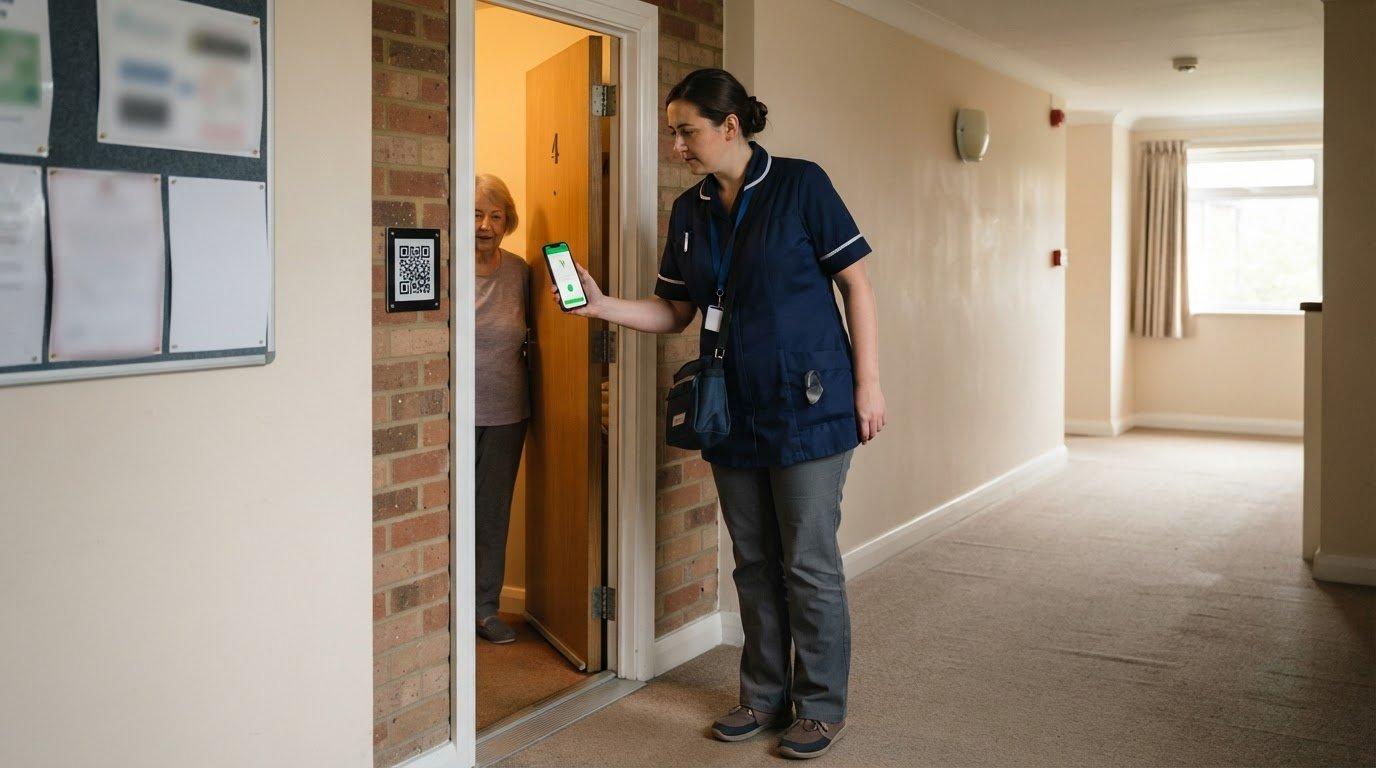
Temporary workers and subcontractors can use a browser check-in link without an app or login. Optional QR checks can add an on-site step at selected locations. See how GPS verification works, or explore the workflows for trades and field service teams.
Start your 7-day free trial. No credit card needed.
Test the workflow on a real call-out
Before choosing plumbing contractor management software, trace one typical job from booking through to the final timesheet. Ask where someone might still need to repair the record manually, who reviews an exception, and whether approved hours reach billing in a form your office can use. This practical test can reveal more than a long feature list.
Bring staff into the process early. Explain that GPS snapshots are taken only when a team member checks in or out, and that temporary workers or subcontractors can check in through a browser link without an app or login. Clear expectations help make attendance records useful and respectful.
Start your 7-day free trial. No credit card needed. Try the workflow with your team and see whether it fits the way you work. A practical fit should make the next invoice easier to stand behind.
Frequently Asked Questions
Can plumbing contractors verify subcontractor attendance without requiring an app?
Yes. Plumbing contractor management software such as Team-Trak lets temporary workers and subcontractors check in through a browser link, without downloading an app or creating a login. For example, a contractor can send a subcontractor the schedule link for an assigned call-out, giving them a way to record the visit without adding another app to their phone.
Does plumbing contractor management software track workers between jobs?
No. Team-Trak doesn’t record a worker’s movements between jobs or follow their route. A team member taps to check in or out, and GPS is recorded at those moments only. The record confirms attendance at a scheduled location; it isn’t a running history of where someone goes during the working day.
Can a plumbing client see proof of a completed visit and its duration?
Yes. Team-Trak clients can view visit records and invoices through their own portal. The record can show who attended, their arrival time and how long they stayed, giving the client information to refer to if they query a call-out. Site photos are available on Growth and Professional plans, where they’re useful for documenting a job.
How does active-staff billing work when plumbing work is seasonal?
Only staff with at least one verified check-in during the billing cycle count as active for that cycle. If a seasonal team member has no verified check-ins in a quieter month, they aren’t counted as active for billing that month. A check-in makes them active for that cycle, so plan for changing work patterns when reviewing your subscription.
Disclaimer
The information provided in this article is for general informational purposes only and reflects the opinions and experiences of the author. While every effort has been made to ensure accuracy, Team Trak makes no guarantees regarding completeness
Written by
Bob Fitzjohn
Founder of Team-Trak and a British entrepreneur with nearly fifty years' experience building and managing businesses with large, flexible teams. Bob writes about scheduling, timesheets, verified attendance and the day-to-day realities of running a service business.